PSPDFKit
The PDF SDK
Developers
Trust.
Thousands of companies, organizations, governments, and developers use PSPDFKit’s software to enable collaboration, signing, markup, and more in their apps.
Thousands of companies, organizations, governments, and developers use PSPDFKit’s software to enable collaboration, signing, markup, and more in their apps.
We obsess over the details of API design so that your teams don't waste months trying to integrate and maintain complex dependencies to enable document viewing and manipulation.

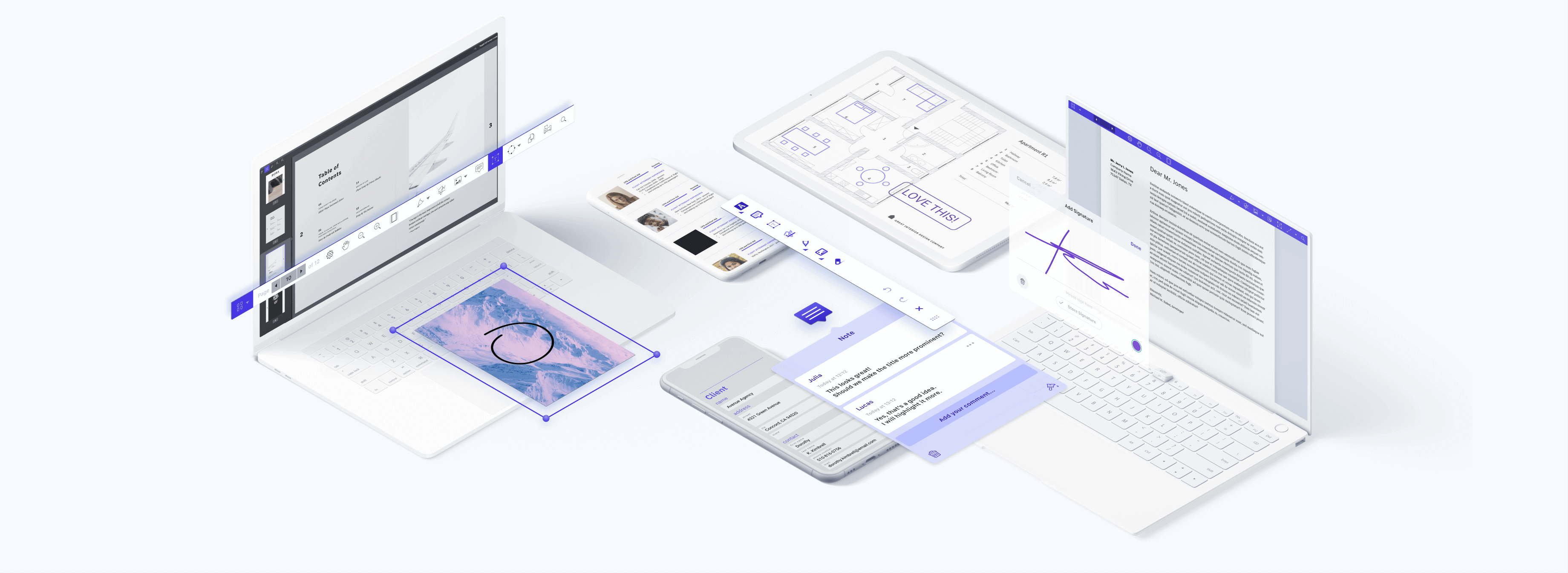
Explore what’s possible when you easily enable viewing, markup, collaboration, and other PDF functionality within minutes. No matter the platform — iOS, Android, Windows, the web, or a cross-platform technology — we have you covered.
Batch process redactions, PDF forms, and OCR scanned text, and render and edit PDF documents with our .NET and Java libraries in your application server.

Discover how Document Engine can help generate PDFs, enable real-time collaboration, convert Office documents to PDF, perform OCR, carry out redactions, merge and export XFDF, and more.


Our hosted product makes it easy to generate, convert, and modify PDF documents in your workflows with a powerful PDF API. Leave the development and server management to us.
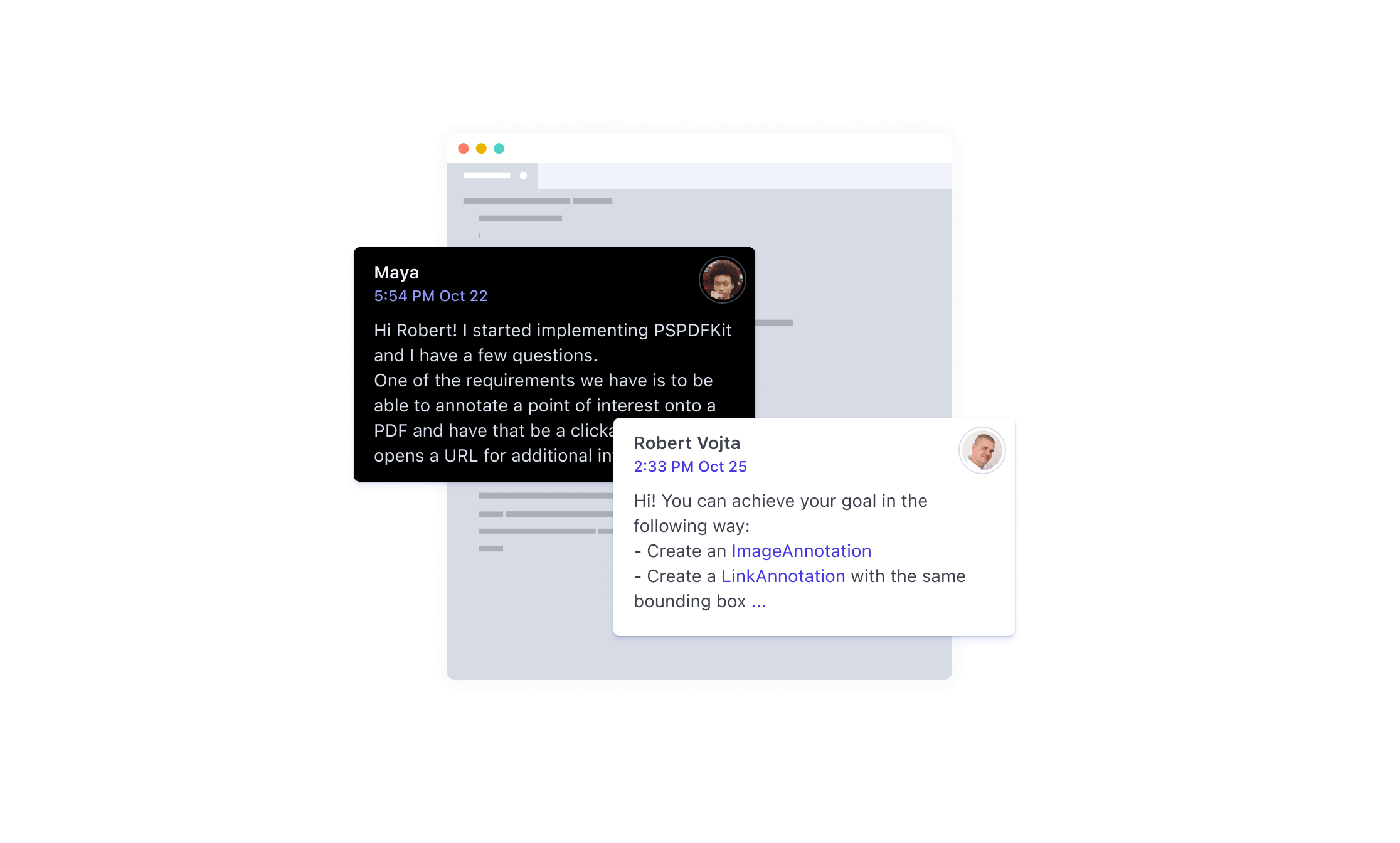
Our company exists to help developers build phenomenal experiences. Should your team ever need assistance, we’re here to help.
With direct access to the engineers who built the product, you can be assured your question will be answered in a timely matter and with the help you need.
Whether you have questions getting started or you want to know how to best integrate new features into your app, we’re here to help you find a solution.
Explore our Web SDK live to imagine what’s possible.
Talk to our product experts to see how PSPDFKit fits your needs.
Adding our 60-day trial to your app is easy as pie. Download PSPDFKit now and add a great PDF experience to your app within minutes!
Get Started